Company discovery inside your AI agent
Turn a prospecting question into a result you can inspect
RocketReach organizes company identity, role clues, public context, and source notes without turning a profile match into a claim of buying intent. Begin with a narrow brief, preserve unknowns, and let a person approve what happens next.
Read the four-state runbookCopy · Run · Configure · First result
Four states, with a visible success signal for each
- 01 Copy
npx -y @okki-global/okki-go-taroballSuccess means the exact command reached your clipboard. Nothing has been installed.
- 02 Run
Execute it in a supported terminal, read the package prompt, and retain the completion or error output.
- 03 Configure
Place provider credentials in a secret store, grant minimum scope, and document every destination.
- 04 First result
Use known accounts to test identity, recency, provenance, exclusions, and the human review state.
Auditable preview
See the task, returned record, and evidence separately
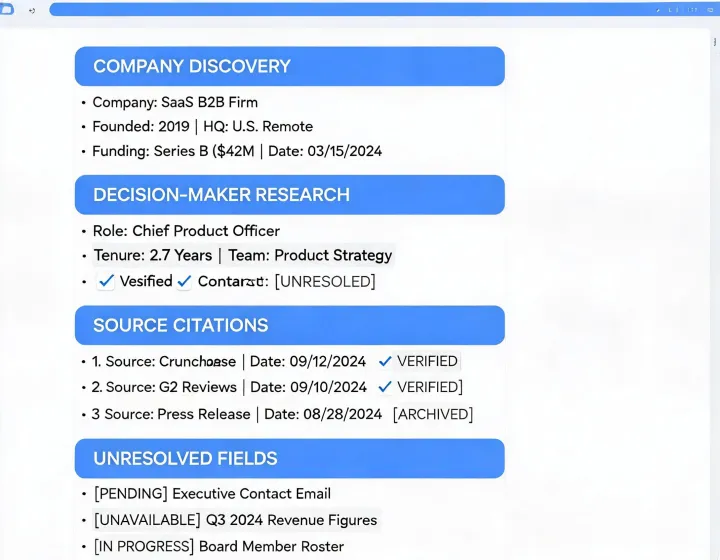
Prospect result
Company domain, role candidate, observation date, public context, and unresolved fields remain distinct instead of being flattened into a confidence claim.
Installation FAQ